
Commodore 64 + Atari XL/XE · Version 2.1.0
Mean Hamster
Power Engine for 8-Bits
A bigger world of play for your C64 and Atari. Three cartridges. One Windows application.
Prepare supported games, emulators and an optional HamsterOS desktop for TeensyROM+, Kung Fu Flash 2 or A8PicoCart. Prism+ brings 320 × 200 graphics to C64; PrismA8 brings enhanced graphics to Atari XL/XE.
Choose your cartridge, find your original files, and build your collection. Each device tab remembers its own card and settings, with matching firmware and packages together in one place.
Free · v2.1.0 · Available exclusively from Mean Hamster
Now includes Atari XL/XE with A8Pico firmware 1.3.7, Tritari V1.32E, M.U.L.E.+ and nine supported A8Pico entries.
Bring your original game files and compatible ROMs. Commercial games are not included.
Licenses and noticesSource offer
Using the separate Atari application? Download 2.1.0 here once, then choose the A8PicoCart tab. The combined app imports remembered Atari settings while keeping your C64 settings separate.
See the Power Engine in Action!
30-second software captures of C64 graphics and SID sound.
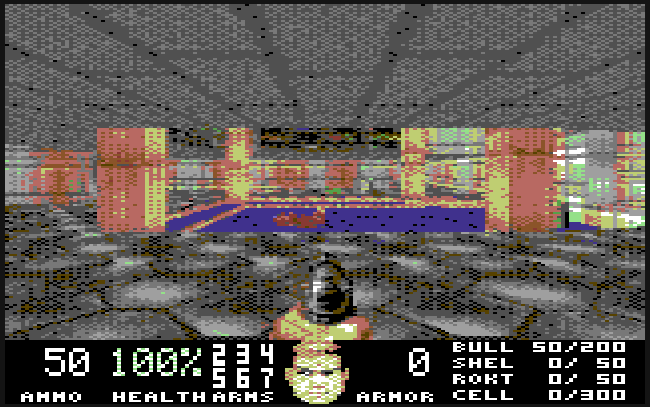
Doom
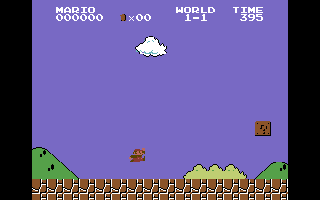
NESVM
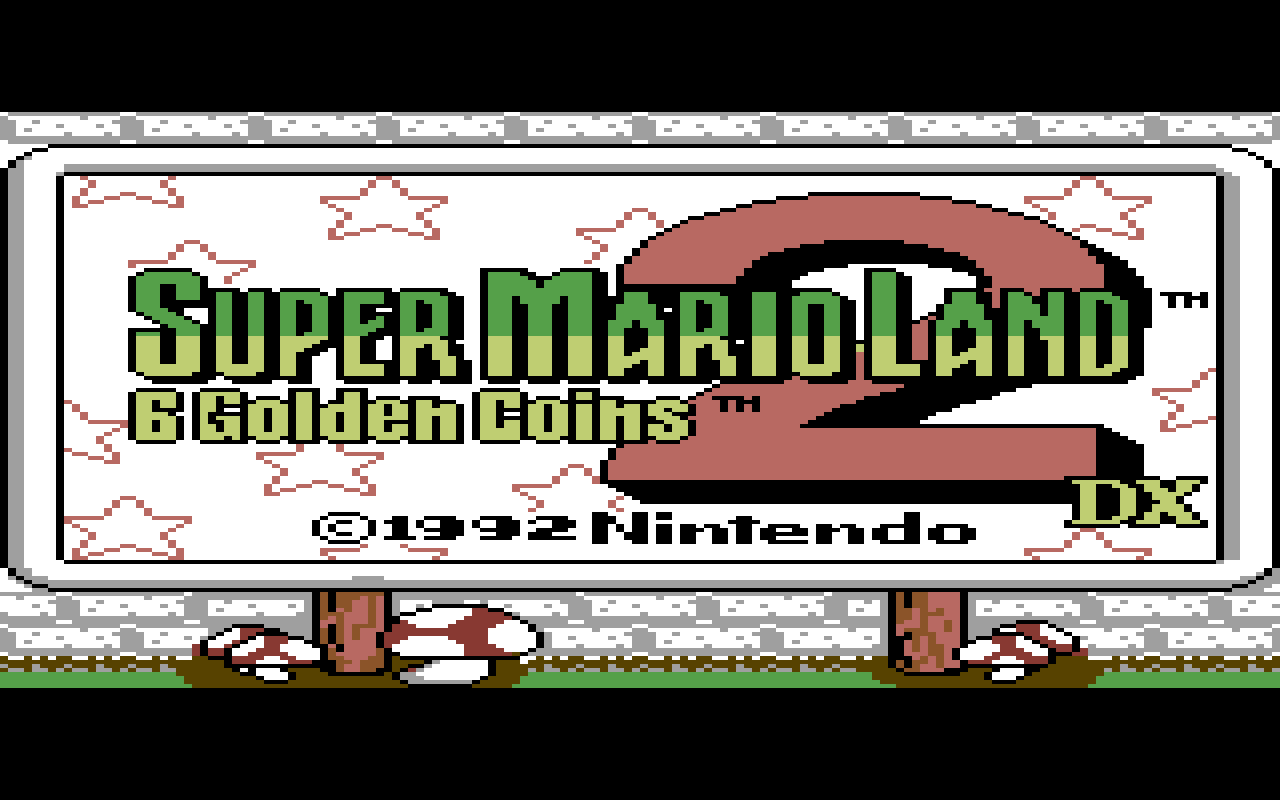
Game Boy
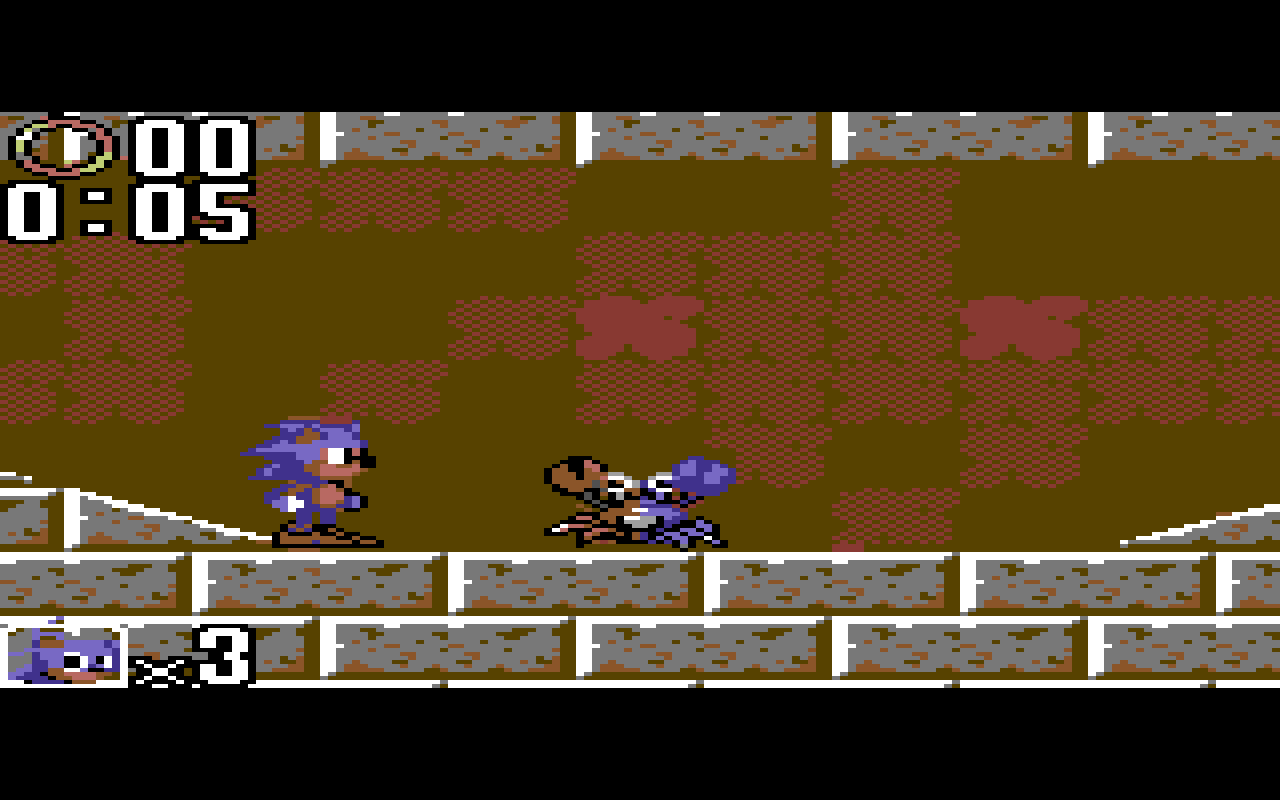
Game Gear
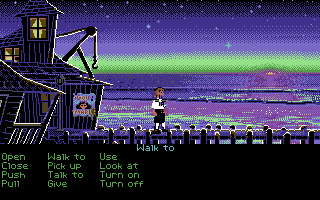
Monkey Island
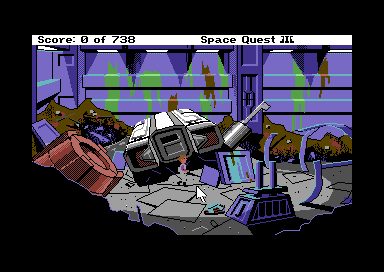
Space Quest III
From your PC to your 8-bit
Set it up.
Make it yours.
The Game Packer is now part of Mean Hamster Power Engine for 8-Bits. Your firmware, supported runtimes, and game preparation belong together.
- 01
Choose your cartridge and card
Separate TeensyROM+, Kung Fu Flash 2 and A8PicoCart tabs remember your device settings and selected SD card.
- 02
Choose how you want to launch
On Teensy, choose HamsterOS GUI (Default) with firmware 1.4.7, or Stock + MPE Extension. KFF2 uses H26. A8PicoCart uses firmware 1.3.7 for Atari XL/XE. HamsterOS is optional on each platform.
- 03
Locate your original games
Use Locate Files once for each supported game. Your saved file locations remain available after closing or updating the app.
- 04
Build and prepare your SD card
Create the selected packages and copy the matching files, with firmware ready for its separate installation step.
Games, emulators & apps
The starting lineup
Choose your cartridge to explore its games and emulators. Prepare your favorites from the same application.
Nine games and emulators for Atari XL/XE with A8PicoCart and MPE firmware 1.3.7. HamsterOS 0.5.0 is an optional desktop. Use your supported original game editions and ROMs; M.U.L.E.+ is ready to install.
Space Quest I
Original DOS AGI 2.426 / game 2.2 edition · PrismA8 graphics
Space Quest II
Original DOS AGI 2.936 / game 2.0F edition · PrismA8 graphics
King’s Quest I
Original DOS AGI 2.917 edition · PrismA8 graphics
King’s Quest II
Original DOS AGI 2.426 / game 2.2 edition · PrismA8 graphics
Tritari V1.32E
Compatible Atari 2600, 5200 and 7800 ROMs · speed and compatibility vary
M.U.L.E.+
Ready to install · one to four players, colony economics and saves
Loom (EGA)
Original English DOS EGA edition · experimental
Gauntlet Arcade
Original English four-player rev 14 arcade ROM ZIP · one-player conversion
Double Dragon Arcade
Original World arcade ROM ZIP with HD6309 sprite board · one-player conversion
Availability requires the supported game edition, compatible firmware, and the matching device runtime. ROM compatibility varies; inclusion of an emulator does not mean every game for that console is supported.
A8PicoCart / Atari XL/XE
A familiar machine.
New possibilities.
An optional HamsterOS desktop GUI and all three classic Atari consoles are available for play through Tritari.
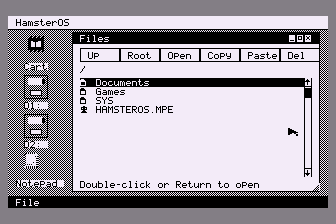
HamsterOS
Atari XL/XE desktop
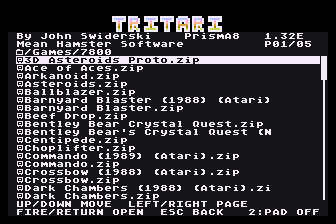
Tritari
Game selection
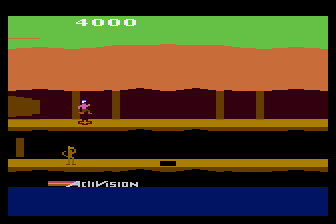
Pitfall II
Atari 2600 · Tritari
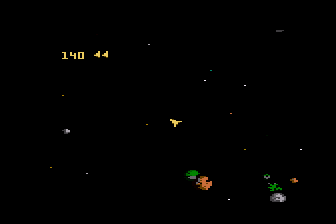
Asteroids
Atari 7800 · Tritari
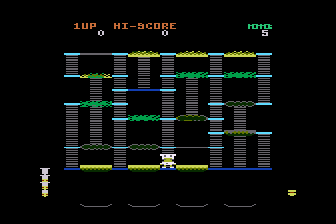
Beef Drop
Atari 7800 · Tritari
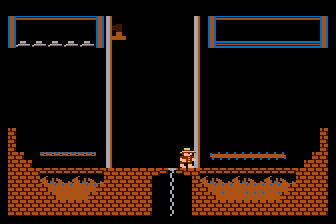
Montezuma’s Revenge
Atari 5200 · Tritari
Captured in Altirra using the release packages. Supply your own compatible ROMs; commercial games are not included.
What’s new in 2.1.0
More machines.
A shared home.
The C64 and Atari tools are now one application, with separate device settings and the current packages.
- A8Pico firmware 1.3.7. Storage reclaim and journal recovery for repeated large-file copying, alongside the current host and automatic reset handling (No more pressing two reset buttons). Includes Tritari V1.32E, M.U.L.E.+ r12 and optional HamsterOS 0.5.0.
- Expanded A8Pico file support. .CAR/.ROM cartridges, .XEX/.COM executables, detected .BIN files, 2 KB and 4 KB raw cartridges, limited .ATR disk images, and standard 600-baud .CAS boot tapes. .MPE packages are supported, with .A26/.A52/.A78 console ROMs through Tritari.
- Game Gear on both C64 cartridges. Updated GGVM.
- CannonBall / OutRun on TeensyROM+. Updated brake lamps and pause handling, with safer cartridge transfers. Music supports single SID or a compatible second SID at $D500; arcade FM/PCM audio demo.
- C64 HamsterOS SID player. The smaller player supports mono and stereo PSID files. MUS/STR playback has been removed.
Compatibility varies by game, original edition and hardware.
Your desktop, your choice
HamsterOS is optional.
Choose Include HamsterOS desktop for a graphical home on your C64 or Atari XL/XE. Compatible games can also launch without it. The app keeps your firmware choice and desktop preference with each device.
On A8Pico, games and the desktop are installed as packages alongside the generic firmware.
Built to grow
Keep your collection current.
New game support, runtime improvements, and desktop updates come through the same application. Your remembered game locations and separate device settings stay with you between application updates.
Firmware files are prepared for installation on the selected cartridge. Follow the device’s installation instructions to complete a firmware update.