← All downloads

Free bootable disk images

Download HamsterOS

Choose the image that matches your computer and floppy drive. Each download is a raw bootable disk image for writing to a floppy or mounting in an emulator.

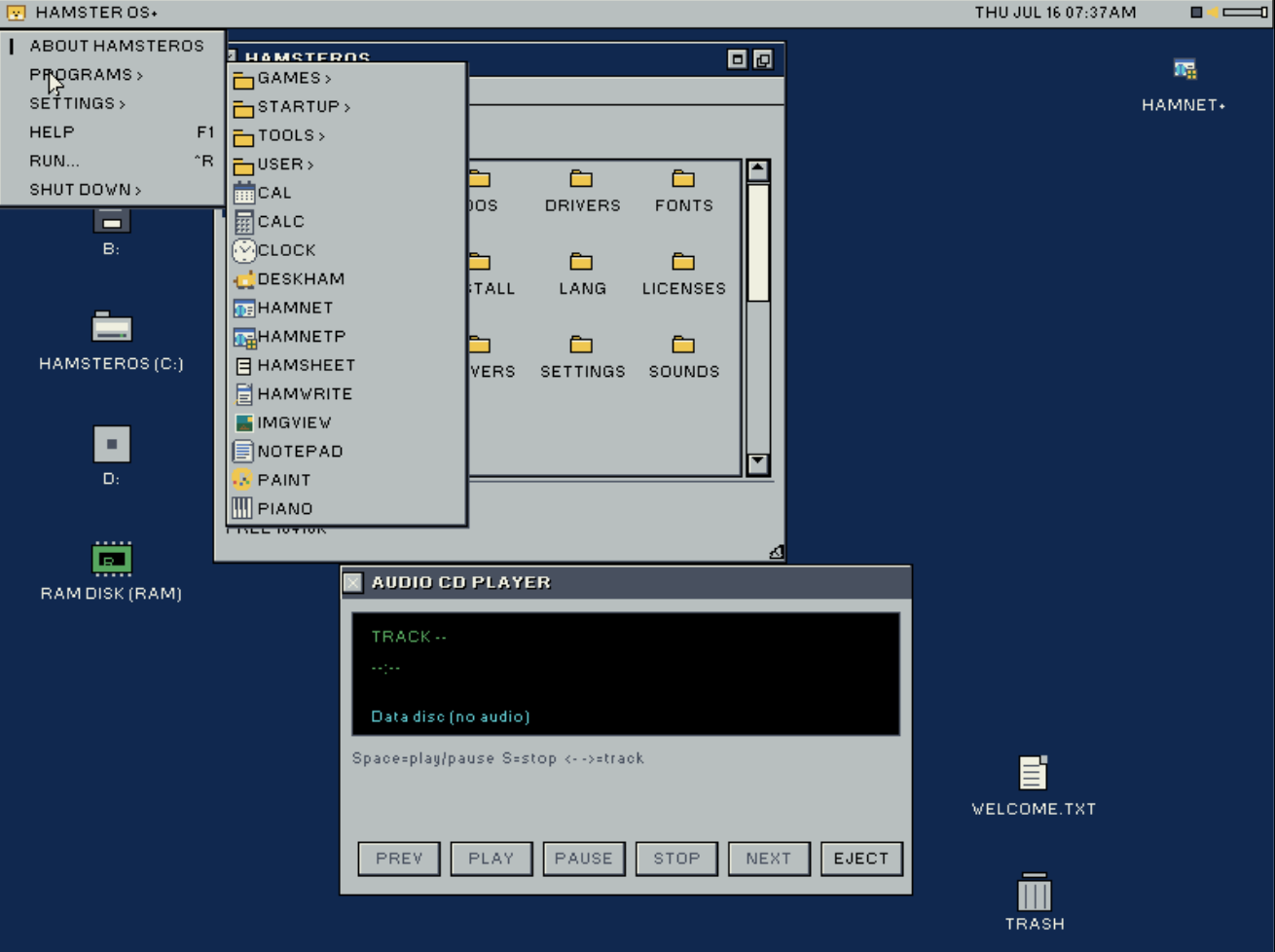
HamsterOS desktop with File Manager and Audio CD Player

Beta 3 .77.18

HamsterOS

The standard 32-bit edition for 386-class and newer PCs. Includes the VGA desktop, HamNet, HamChat, audio tools, games, and hard-disk installation.

File
hamster.img
Size
1.44 MB (1,474,560 bytes)
Format
Bootable FAT12 floppy image (.img)
Requirements
386 or newer, 2 MB RAM, VGA, 1.44 MB floppy drive or emulator
SHA-256
05E75DB5AB9F70FF43E7EF536BC360D1BF06E9CA1CC1D4DFC771AB2659082824
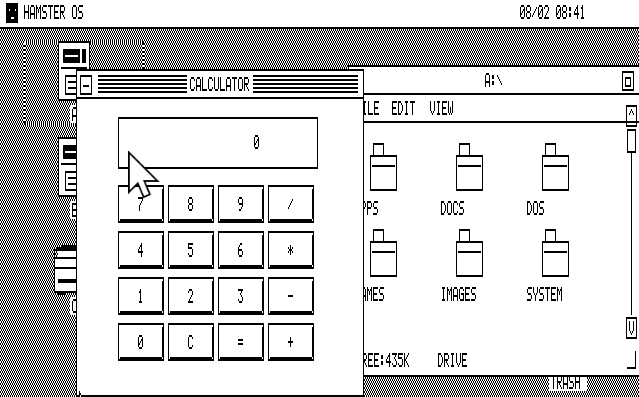
HamsterOS CGA desktop with Calculator and File Manager

720K edition

HamsterOS CGA

The standard CGA edition for 8086, 8088, and V20 computers. Use this image with a 720K drive or a compatible emulator.

File
hamster-cga-720k.img
Size
720 KB (737,280 bytes)
Format
Bootable FAT12 floppy image (.img)
Requirements
8086, 8088, or V20, 640K RAM, CGA, 720K floppy drive or emulator
SHA-256
DD9BA61D555BE1D246FC93649D039AF493AD01881C0527A958A07486BFDC13C4
HamsterOS CGA desktop with Calculator and File Manager

360K edition

HamsterOS CGA

The compact CGA edition for computers limited to a 360K floppy drive. It provides the same CGA desktop in a smaller disk image.

File
hamster-cga-360k.img
Size
360 KB (368,640 bytes)
Format
Bootable FAT12 floppy image (.img)
Requirements
8086, 8088, or V20, 640K RAM, CGA, 360K floppy drive or emulator
SHA-256
0ED4FC04ACD35EF073E87C034CCEE04D78572238687EA8F4530C9935BC082F0D
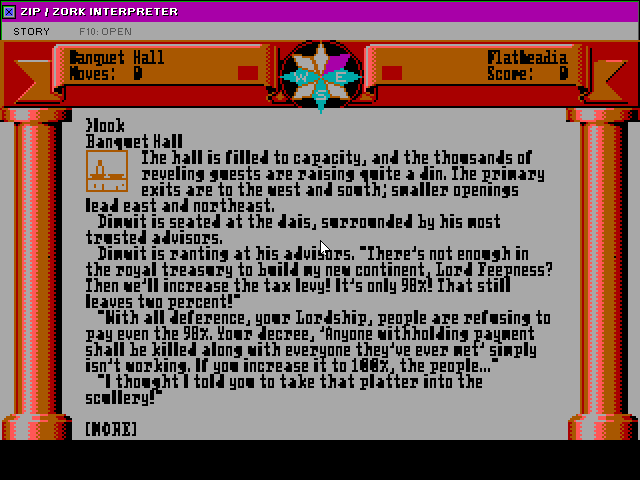
ZIP / Zork Interpreter running Zork Zero with inline MG1 graphics in full-screen Game Mode

Free HamsterOS add-on · ZIP / Zork .78.06

Take Zork I on its own disk.

ZIP / Zork is included with Hamster Extras, but the interpreter is also available here as a free standalone package. Zork I is included. Other raw .z1 through .z6 story files are provided by the user. Version .78.06 presents Zork Zero's native 320×200 graphics edge-to-edge at an exact 2× scale.

HamsterOS .77.18+4 MB RAMZ-machine .z1–.z6

If About HamsterOS shows a version earlier than .77.18, choose Settings → Check for Updates before running this add-on. When the update finishes, restart HamsterOS before launching ZIP / Zork so the new Game Mode support is active.

File
zip-zork.zip
Size
152 KB (155,699 bytes)
SHA-256
CDBF420CEE714594B58BFB835B870338ABC542BB402A56654C63434D96A6AD63

No installer required

Unzip it, then run it.

  1. 01Copy ZIP-ZORK.ZIP to a writable FAT disk. Boot HamsterOS from a hard disk, or leave the HamsterOS boot disk in A: and put the add-on disk in B:.
  2. 02Open Files and the add-on disk, then double-click the ZIP. You can also right-click it and choose Unzip. HamsterOS extracts a ZIP-ZORK folder in place.
  3. 03Open that folder and double-click ZIPZORK.APP. Zork I starts automatically. Press F10 to choose another raw .z1–.z6 story file.

Choosing an image

Use the image your drive supports.

1.44 MB: standard HamsterOS for 386-class and newer PCs with VGA.

720K: full HamsterOS CGA image for 8086, 8088, and V20 computers with a 720K drive.

360K: compact HamsterOS CGA image for machines limited to a 360K drive.

Need to write an image to a physical disk? HamsterWeazle supports floppy imaging on Windows and Mac.